 NEWDAY1 080 ₴ → 1 026 ₴
titleimage_linkpricesale_price
A real product image and fields from the test XML catalog
For online stores and teams running product advertising
Uplify Feed regularly fetches your CSV, XML, or YML feed. It builds new first images for Meta and enriches titles, categories, and attributes for Google. After review, each selected module gives you a stable XML URL with no manual re-uploading.
NEWDAY1 080 ₴ → 1 026 ₴
A real product image and fields from the test XML catalog

01 Source data is never overwritten. Meta and Google get separate versions, and your team decides which output to publish.
Demonstration using a real product from the test catalog. This shows the transformation, not a promised advertising result.
Free · no sign-up
Paste a public CSV, XML, or YML link. See required-field coverage, duplicate IDs, and the products to fix first.
Why feed quality affects sales
A strong feed does not replace good advertising or a good product. It reduces the loss between your store catalog and an ad by presenting a clear offer to people and a more precise description to the platform.
Learn how a product feed works (Ukrainian)The first image can show the product, current price, or promotion without a separate manual layout for every SKU.
Complete titles, product types, and attributes help the system understand what you sell and which searches may be relevant.
Price and availability refresh from the source while your team sees errors and risky changes before publishing.
Where time and signal are lost
On Meta, shoppers see the image first. Google reads the data first. The same source feed therefore needs two different workflows.
There is no price, discount, or reason to notice this product now.
A short title, broad category, and empty attributes provide less context for matching relevant searches.
Designers create cards, specialists edit sheets, and reviewing thousands of SKUs before launch becomes impractical.
Two products
Meta Creative Feed changes product presentation. Google Feed Intelligence works with data. Each has separate rules, review, and output URLs.
01 · Meta Creative Feed
Choose a template, product group, and promotion window. Uplify Feed builds new first images for matching SKUs and shows a review sample before export. Source images and prices remain intact.
Real products from the NEWDAY XML catalog

 Before
After
Before
After
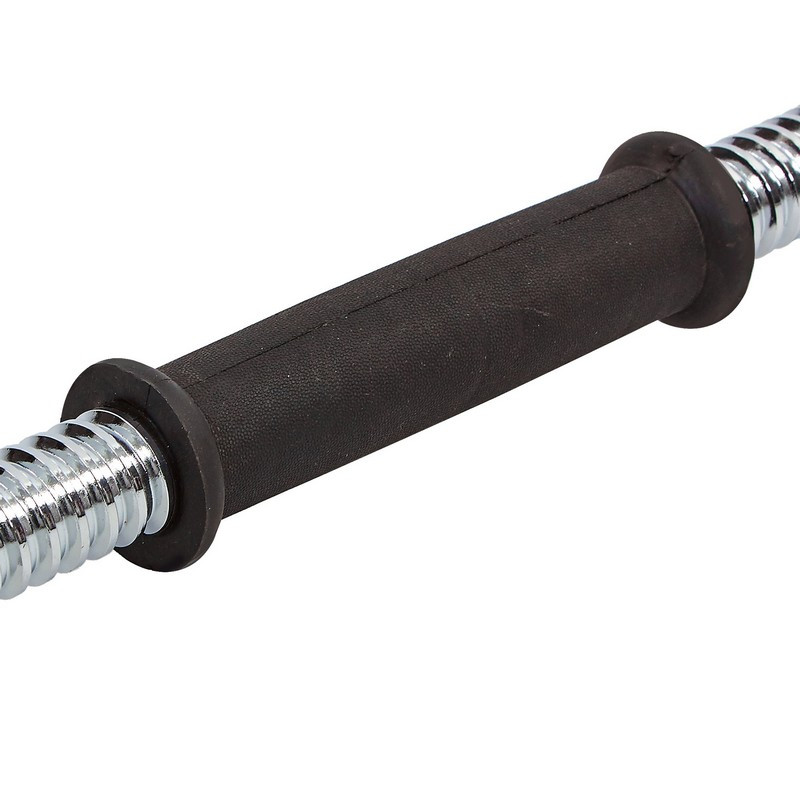
Rubber-coated dumbbell bar with collars3 photos + price + discount + payment + delivery + attributes
 Before
After
Before
After
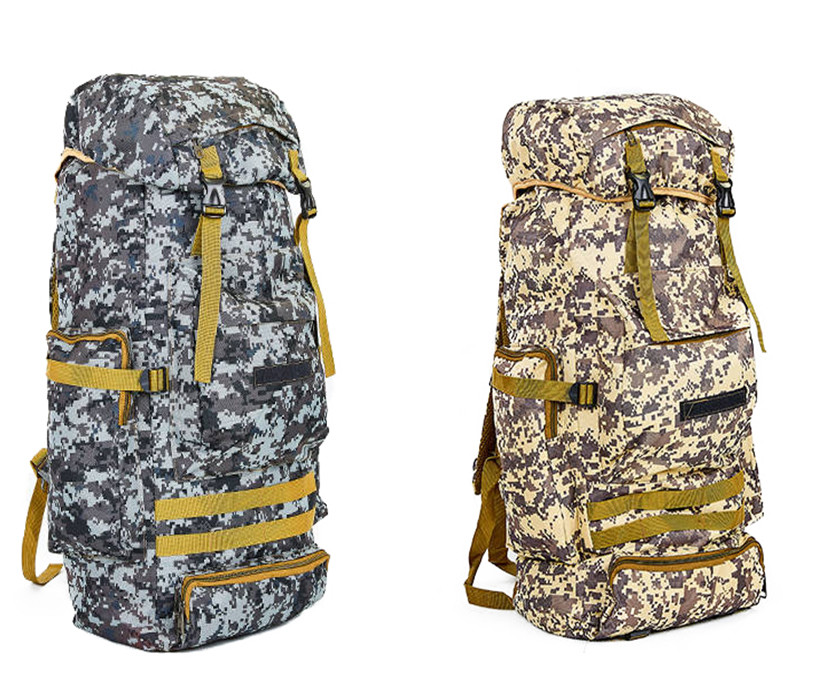
RECORD 50 L hiking backpackPhoto variants + volume + material + size + installments

 Before
After
Before
After
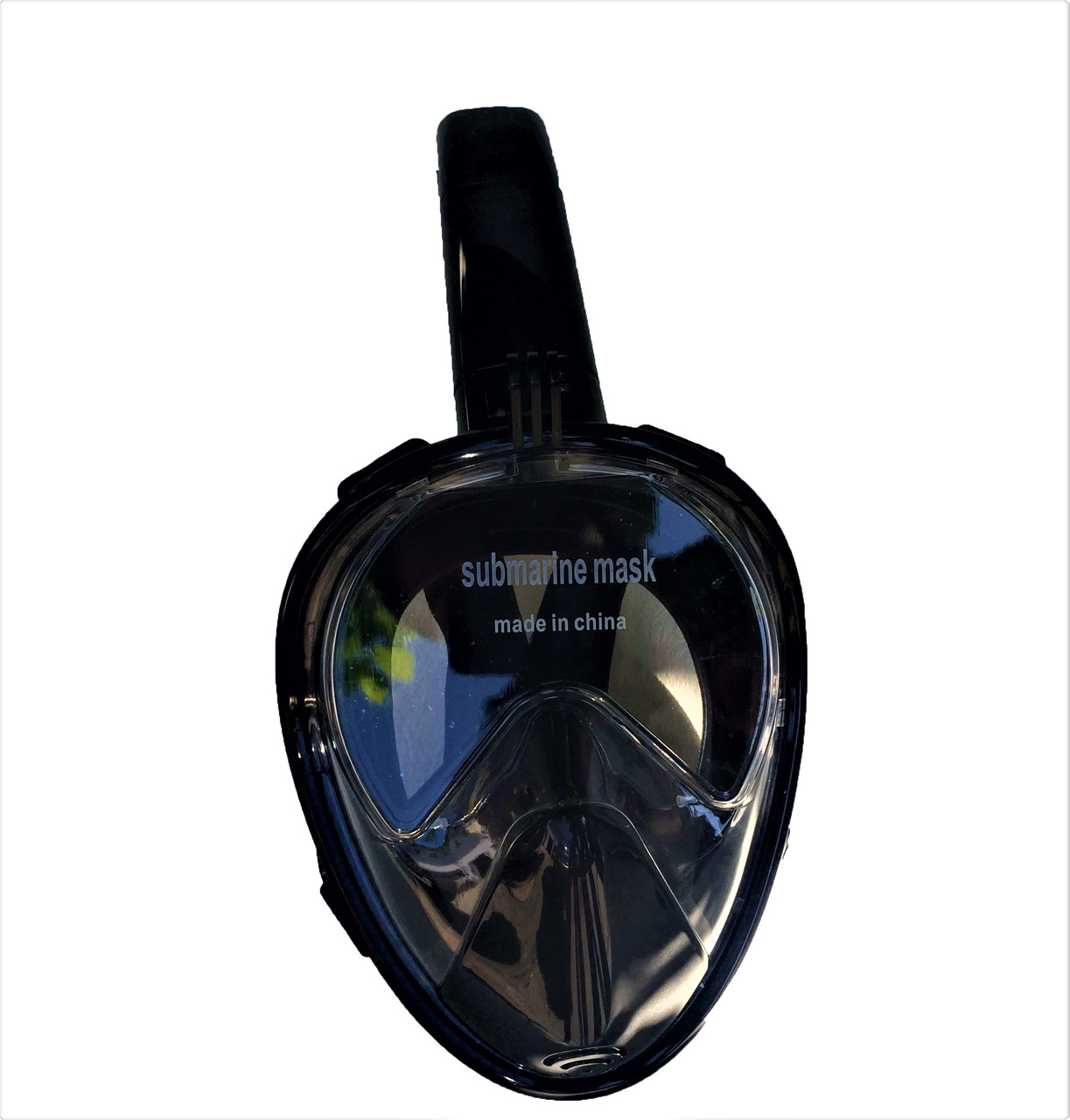
Full-face snorkeling maskSeasonal label + 3 verified benefits + current price

 Before
After
Before
After
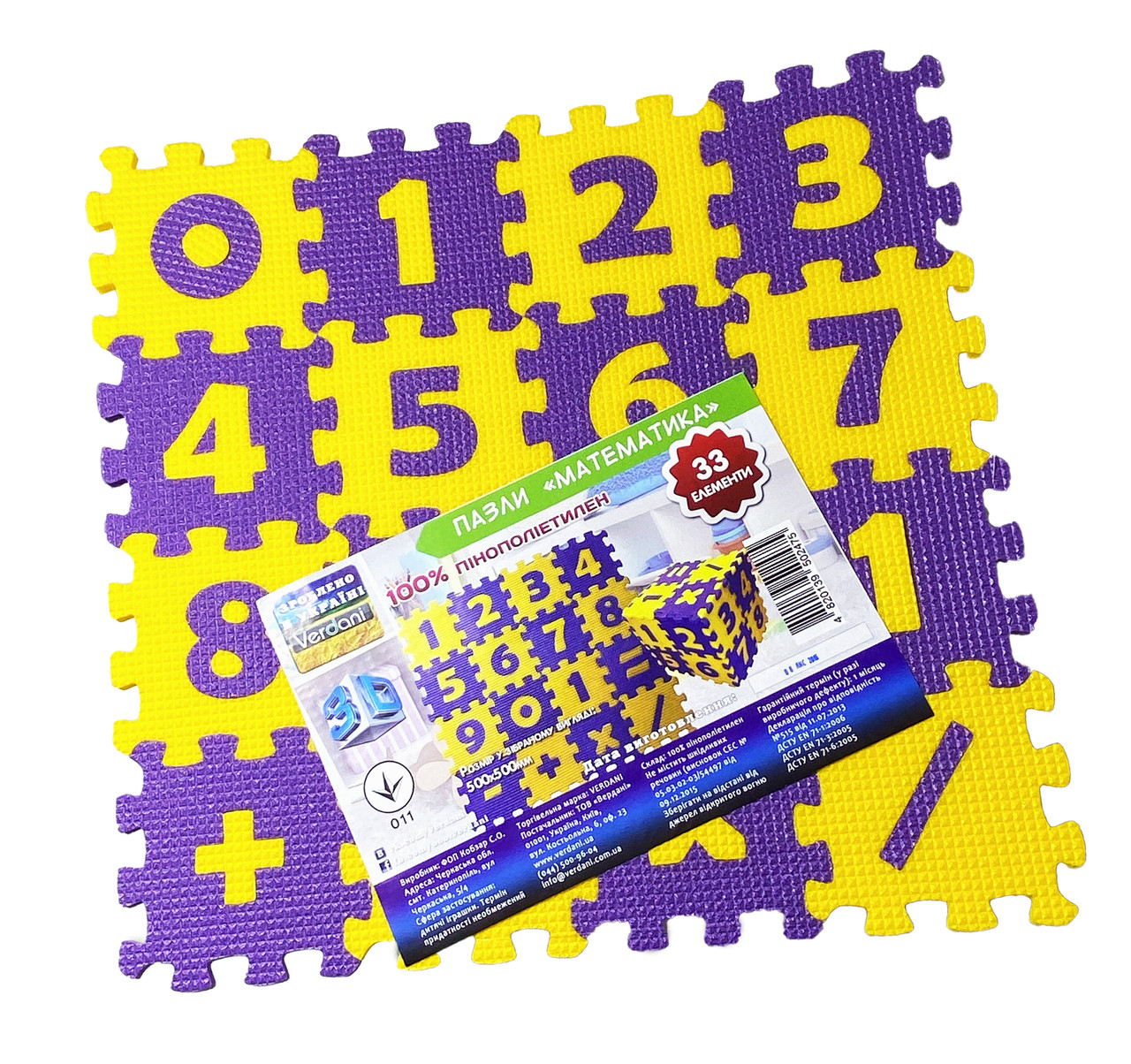
Numbers learning puzzle matColorful gallery + sale price + age + set contents

 Before
After
Before
After
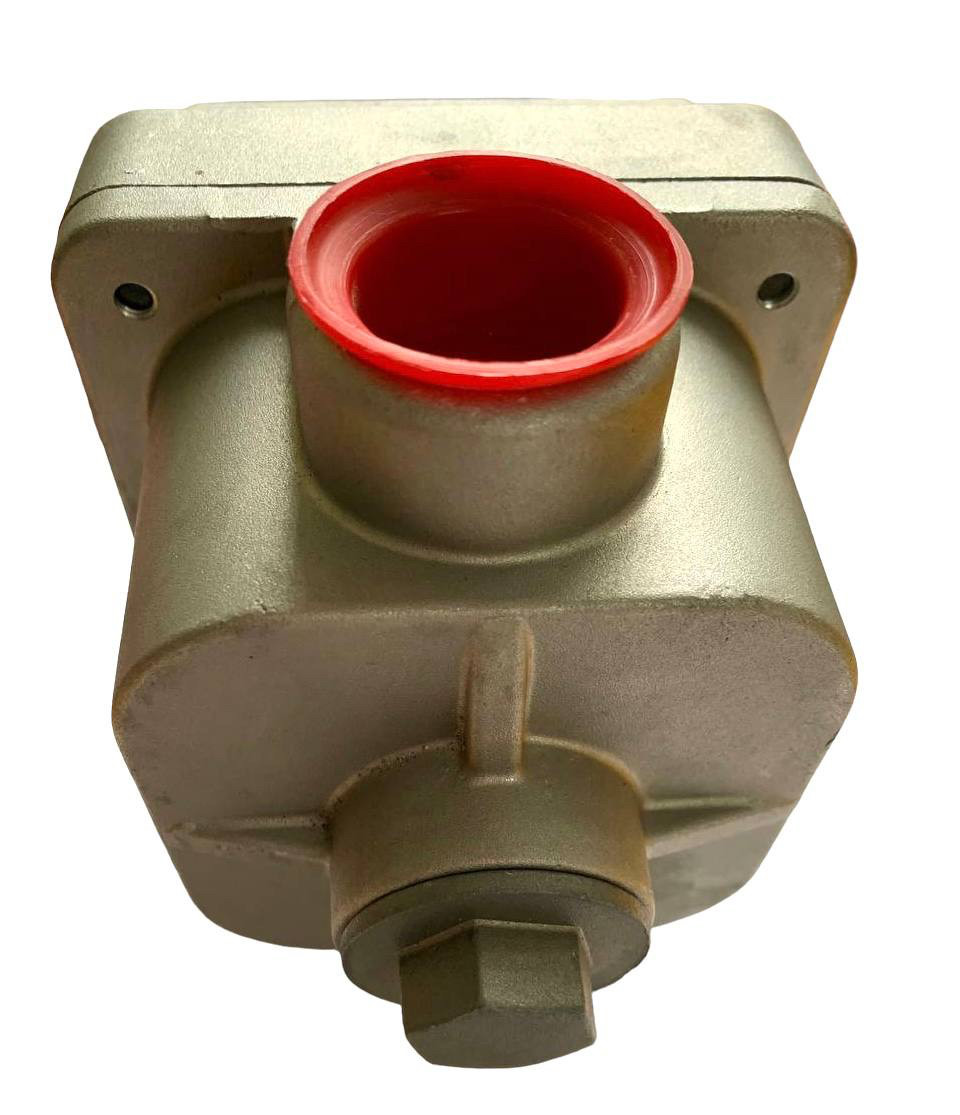
Groz mechanical fuel meterHigh-ticket item + flow rate + compatibility + installments

 Before
After
Before
After
Fitness gloves, size MIn-use photo + size + palm circumference + material composition

 Before
After
Before
After
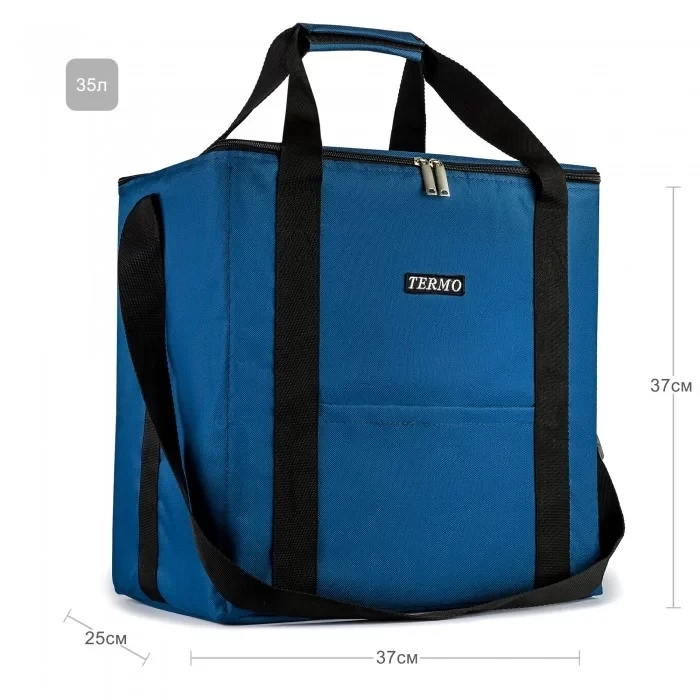
Champion 35 L thermal bagUp to 12 hours label + detail gallery + size and volume

 Before
After
Before
After
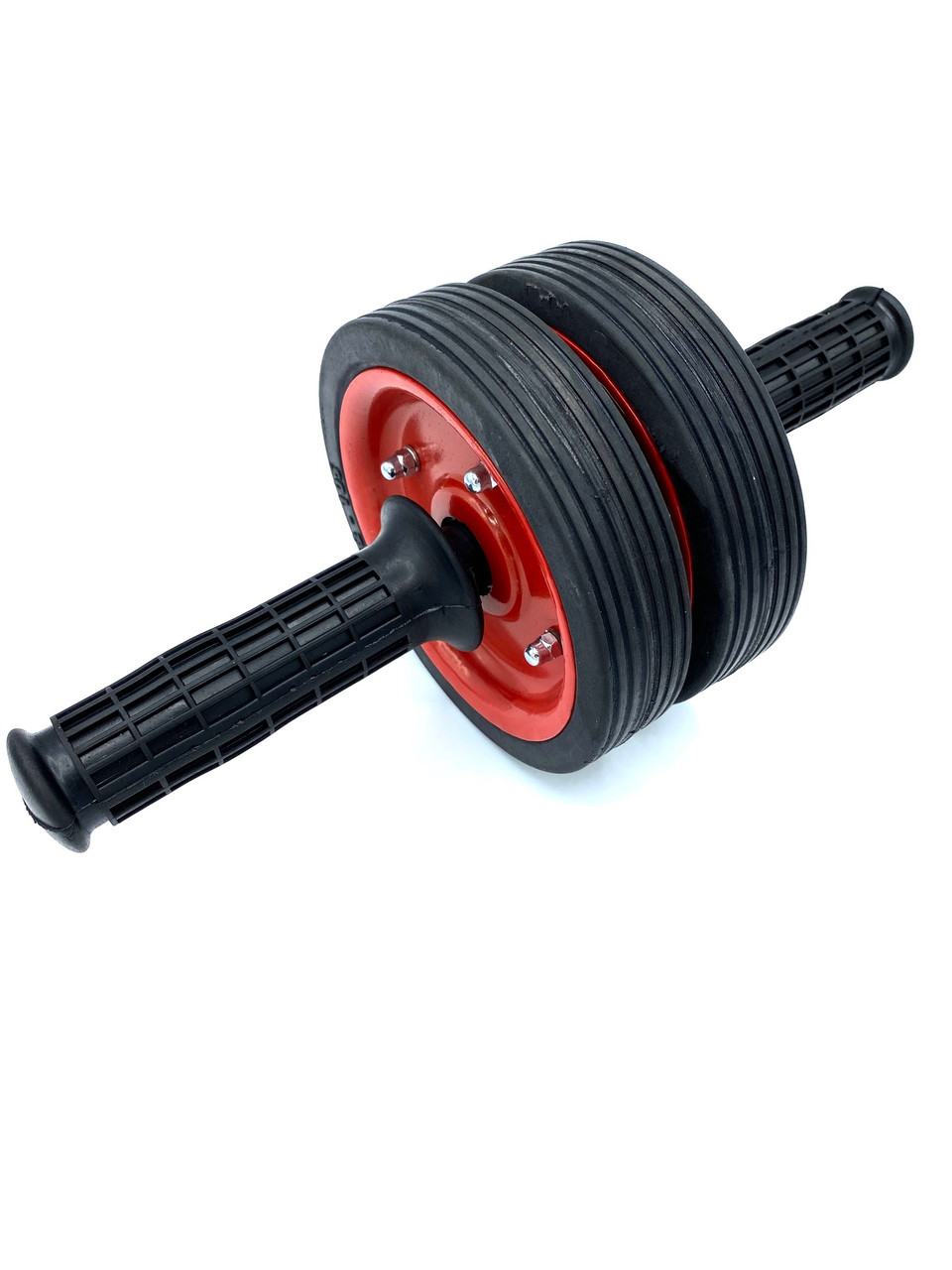
Double-wheel ab roller, 146 mm diameterNew setting + 3 benefits from the description; product shape preserved
All source photos, names, prices, discounts, and attributes come from the NEWDAY test XML catalog. The brand label, payment terms, confirmed service marks, delivery, and CTA are configured in the store profile. The first seven examples do not redraw the product; AI changes the setting only in the final example.
02 · Google Feed Intelligence
Uplify Feed overlays approved additions on a copy of the source XML without rebuilding the feed. Price, availability, shipping, URLs, identifiers, namespaces, and unknown fields continue to pass through from the store.
Channel comparison
Keeping both outputs separate reduces the risk of changing price, availability, or other critical data by mistake.
| Area | Meta Creative Feed | Google Feed Intelligence |
|---|---|---|
| Job | Add an offer and consistent treatment to the image | Give Google clearer product data |
| What changes | The first image URL | Title, product type, labels, and approved attributes |
| What you get | A dynamic XML with the same structure and new image_link values | A dynamic XML with the same structure and approved enrichments |
| How you control it | Templates, rules, review samples, and versions | Source value, proposed change, and explicit confirmation |
The workflow follows official guidance from Google Merchant Center on product data quality and Meta on catalog-powered ads.
How it works
In the pilot, four steps take you from upload to a stable output URL.
Add a CSV, XML, or YML file or HTTPS URL. Uplify Feed checks structure and required fields.
See how many products were read, which fields were mapped, and where warnings were found.
For Meta, set a template and product group. For Google, review the fields that will be changed in the XML copy.
Uplify Feed creates a separate version and stable XML URL only after your confirmation.
Who it is for
Prepare new promotion treatment and Google data without replacing the CMS or editing every SKU.
See which rule applies to each product and review the output before connecting it to campaigns.
Keep each store's catalogs and outputs in a separate workspace.
The result
Apply a template to products on sale, in a category, or from a specific brand.
A new promotion does not overwrite the previous output and gets its own stable URL.
Meta changes only image_link and Google only approved fields; price, availability, shipping, and identifiers pass through unchanged.
Pricing
Choose Meta, Google, or both modules. The base price includes 1,000 SKUs; each additional thousand is added automatically.
Meta
Turns standard product photos into ad-ready creatives using your visual rules.
Adds titles, categories, and attributes without changing price or availability.
Meta + Google
Gives the store both outputs from one XML feed and one sync process.
The 14-day free trial includes both modules, up to 3,000 SKUs, and 10 AI images. After the trial, keep one module or Bundle. Catalogs above 10,000 SKUs are quoted individually; agencies get 20% off from 3 projects. Need help connecting? Request a guided pilot.
Knowledge base
Practical, source-backed guidance for store owners, ecommerce teams, and agencies working with Google and Meta catalogs.
Questions
The two products, change controls, and the limits of the current pilot.
It creates two independent outputs from one catalog: new first images for Meta, and reviewed titles, categories, and attributes for Google. Full XML outputs retain the source structure.
Meta Creative Feed changes only the first image presentation. Google Feed Intelligence changes only approved text fields. The two never share one publishing action.
The pilot accepts CSV, XML, and YML files or an HTTPS feed URL. XML replacement outputs retain namespaces and unknown source fields; CSV/TSV remains available as a compatibility export.
No. Meta can display the current value on a creative. In full Google XML, price, availability, shipping, URLs, and identifiers pass through unchanged.
You review and approve the first version. Uplify Feed then refreshes the same stable XML URL on schedule, while suspicious mass removals are held for manual review.
Pilot access
Upload a catalog, review the new Meta treatment, and approve Google enrichments in a full XML copy. Nothing is published before your confirmation.